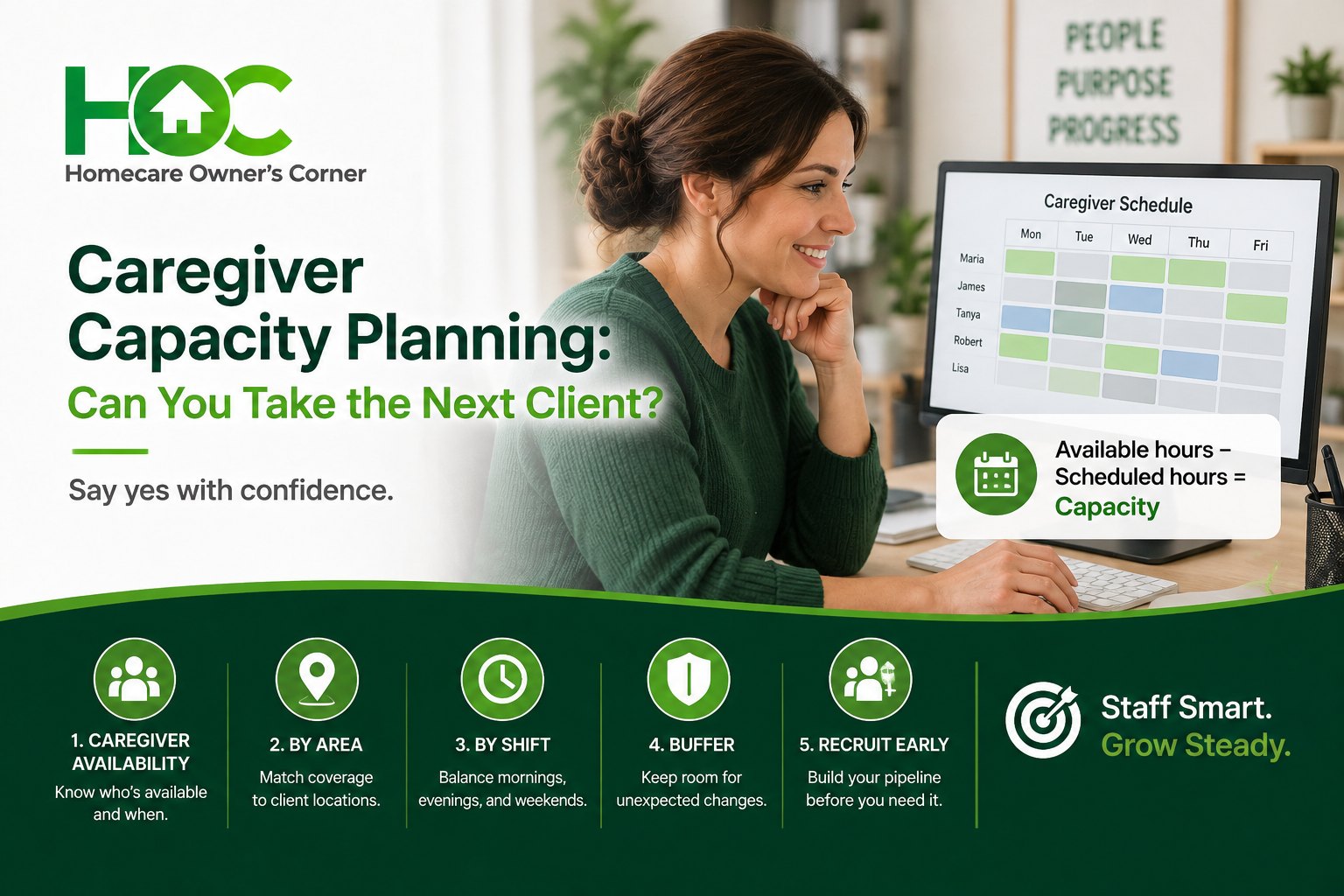
A referral comes in on Friday afternoon for 40 hours a week starting Monday. Can you staff it? Too many agencies answer with a gut feeling, accept the case, and then pay overtime for weeks.
Capacity is a number, not a feeling
Available capacity = Total hours your caregivers want to work − Hours already scheduled
The catch is "want to work." A caregiver with 40 hours of availability on paper may only want 30. Ask, record it, and update it when life changes.
Track capacity by area and shift
Agency-wide capacity can look healthy while one ZIP code or the weekend overnight shift has none. Break it down by:
- Geography or service area
- Day and shift (weekday, weekend, overnight)
- Skill (dementia care, transfers, live-in)
Connect capacity to profitability
Hours aren't equal. A new case that forces overtime may bill well and still lose money. Before accepting a large case, check whether you can staff it at regular time.
A weekly capacity routine
- Update caregiver availability every week.
- Compare it to scheduled hours and pending starts.
- Flag any area or shift under your buffer target.
- Start recruiting for gaps before referrals arrive.
Frequently asked questions
How much buffer capacity should I keep? Enough to cover call-outs and a typical new start without overtime. Use your own call-out history to set it.
Who should own capacity tracking? Your scheduler or staffing coordinator, reviewed by the owner weekly.
Put this into practice inside Homecare Owners Corner
The Capacity & Profitability Tracker is part of Corner Pro ($129/month, 2 team seats included). Members also get Operational Blueprints, the AI Meeting Planner, the SOP and Template Library, and the Private Pay Playbook with a live monthly workshop.
Create your free account to join the community and take the Growth Scorecard, then upgrade to Corner Pro when you're ready to use the full toolset.